All your events,at a glance

Create your event, invite in one tap. Photos, shared expenses, polls and to-dos in one place. And Fleev works out who owes who.

Download on the App StoreGet it on Google Play

Free · iPhone and Android

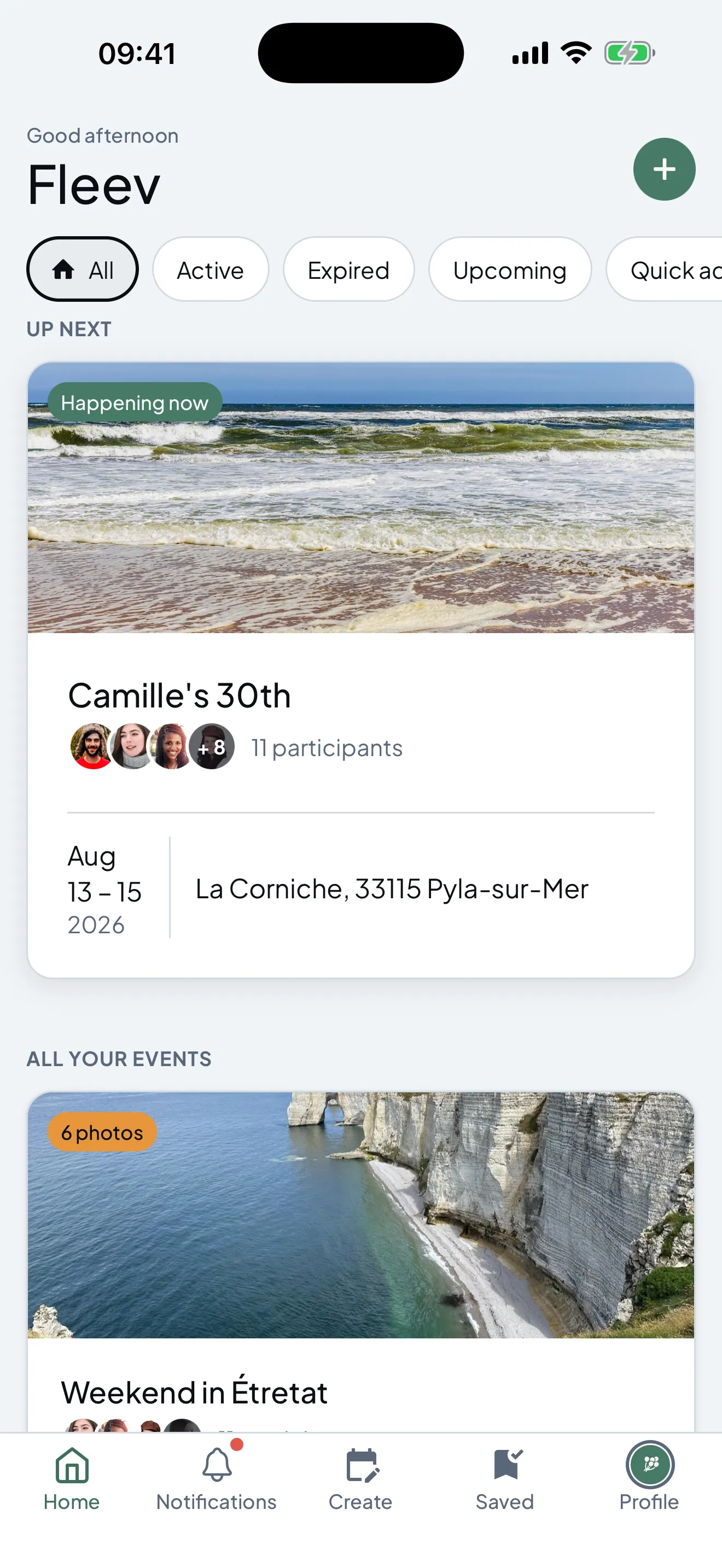
The Fleev home screen: the upcoming event featured, with its photo, guests, dates and location.

Expenses

The split works itself out

Anyone can pay for anyone. Fleev keeps the running total, then proposes the smallest set of transfers that squares everybody up.

  • One expense, one payer, the beneficiaries you pick
  • Suggested repayments, worked out to the cent
  • The group total and your own share, side by side
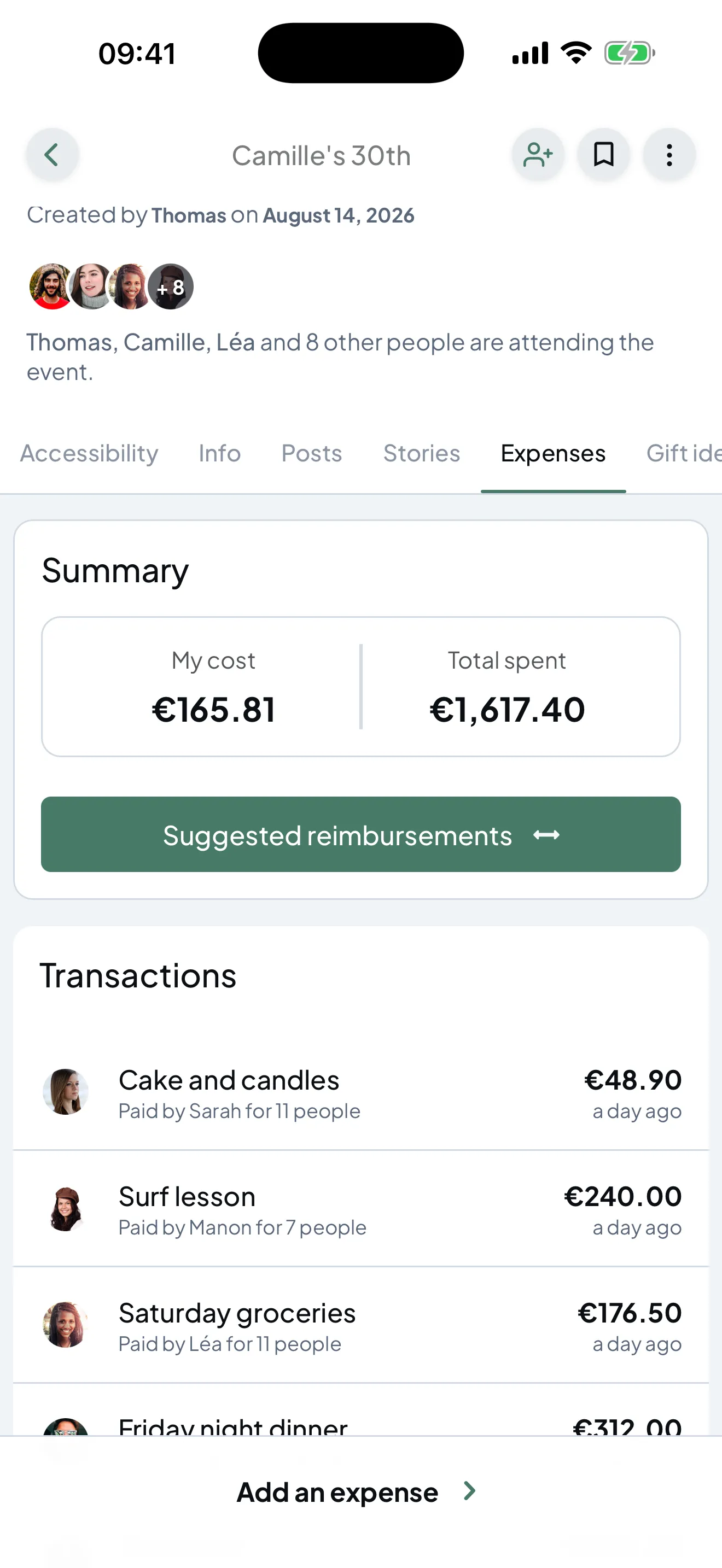
The Expenses tab: a summary of the total cost, a “Suggested repayments” button, and the group's list of transactions.

Memories

Photos unlock once the party's over

During the event everyone shoots without seeing anyone else's shots. When it ends the album opens at once. Nobody spent the night behind a screen.

  • Photos and videos stay locked until the event ends
  • One countdown, shared by the whole group
  • The album plays back like stories
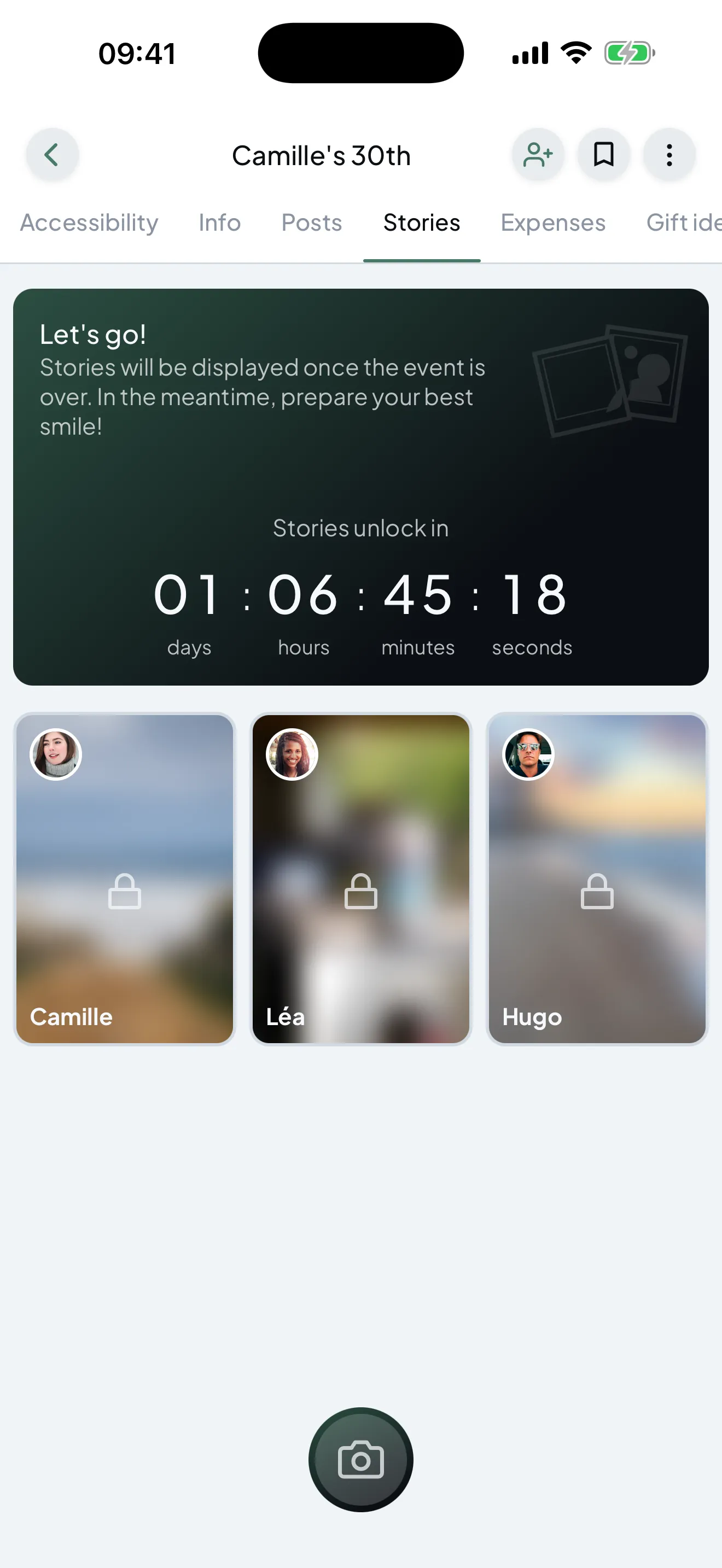
The Stories tab: the countdown to unlocking, with still-locked photos underneath.

Posts

A private feed, just for the group

A question, a photo, a voice note, a poll. The event feed replaces the group chat nobody can find three weeks later.

  • Text, photos and voice messages
  • Single- or multiple-choice polls
  • Reactions, comments, and posts you can schedule
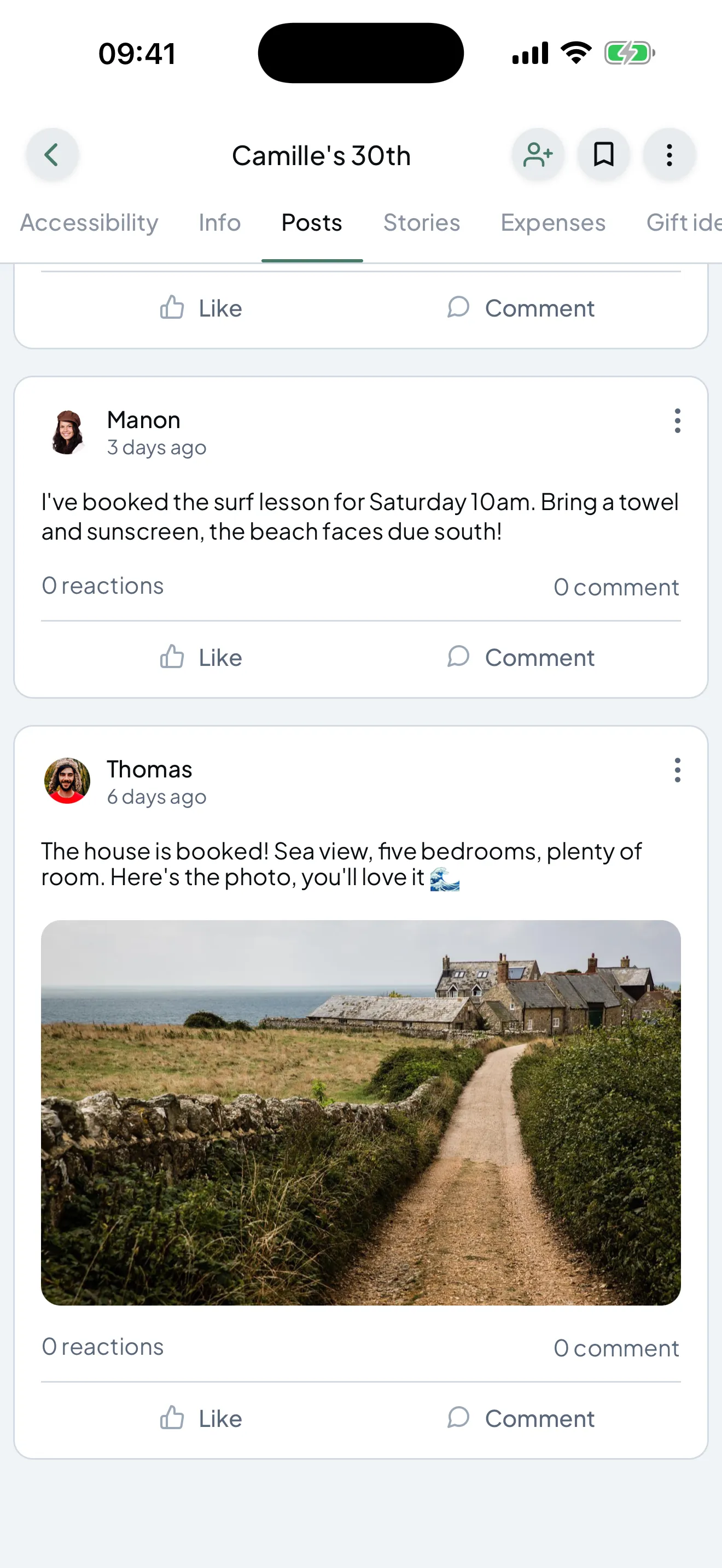
The Posts tab: a message from the group and a poll asking what everyone wants to eat.

Planning

Everything you need to plan it

Details, tasks, gift ideas: every module switches on or off per event. A birthday doesn't need the same tools as a weekend away for ten.

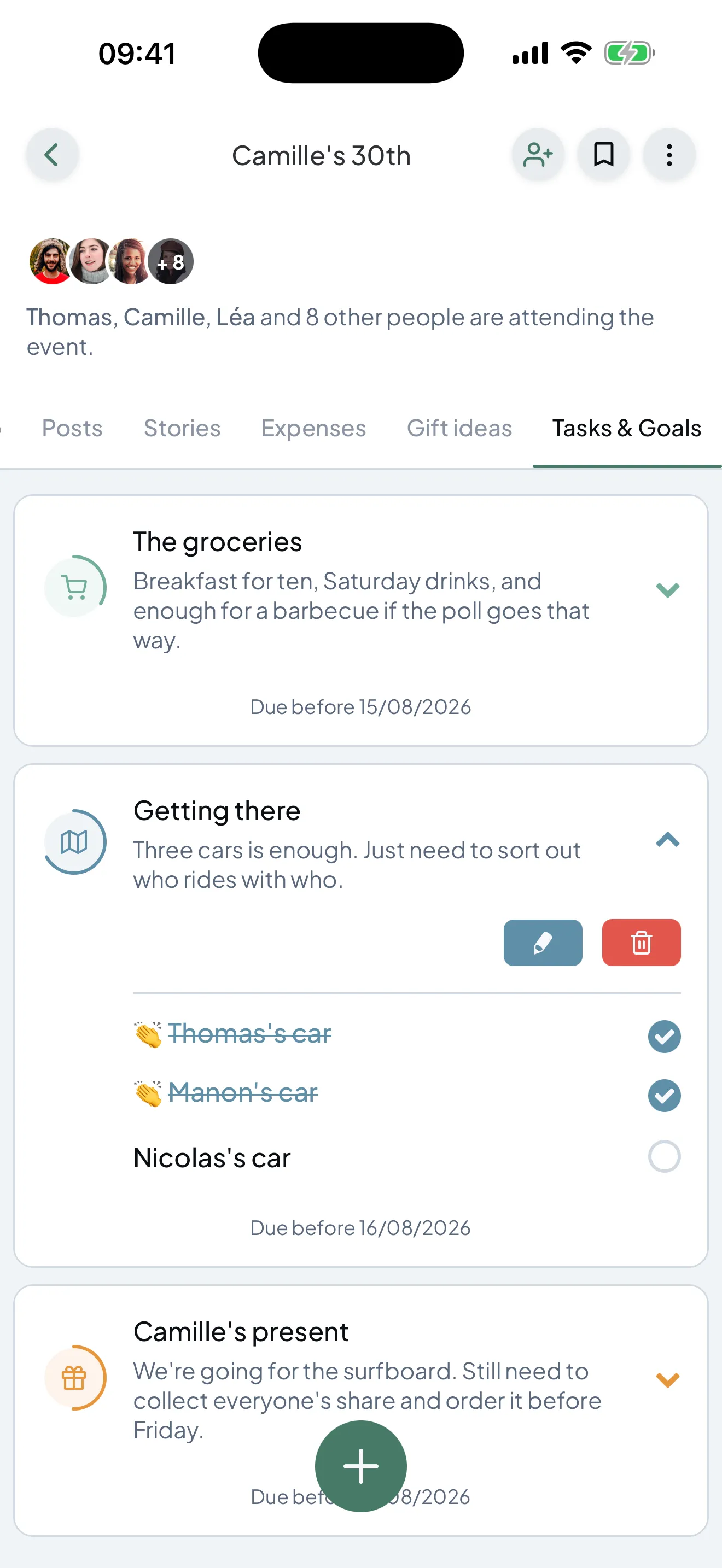
  • Tasks with sub-tasks, assigned and due-dated
  • A gift list people can claim without spoiling the surprise
  • Date, location and practical details in one place
An event page listing its modules: information, posts, stories, expenses, gift ideas, tasks.

The best thing about great night is not having spent it behind screen. 

You stay in charge

You decide who sees what

In every event, each module carries its own read and write permissions. The budget can stay between organisers while everyone else posts photos.

  • Permissions per module, not a single blanket role

  • An invite code, with no directory and no searching for profiles

  • Events are private by default

Your next event starts here

Free, on iPhone and Android.

Download on the App StoreGet it on Google Play
Scan to install Fleev